Overview

|
This page is under construction.  |
| Please refrain from editing the page if another user is actively doing so as to avoid edit conflicts. |
 This article is about classic Fortnite Creative mode that is available on all devices. For the newer PC editor, see Unreal Editor for Fortnite.
| “ | Build games and experiences to play with your friends. Publish your creations to millions of Fortnite players. Earn money for creating games that your players love to play. Create the future of Fortnite, today.
|
” |
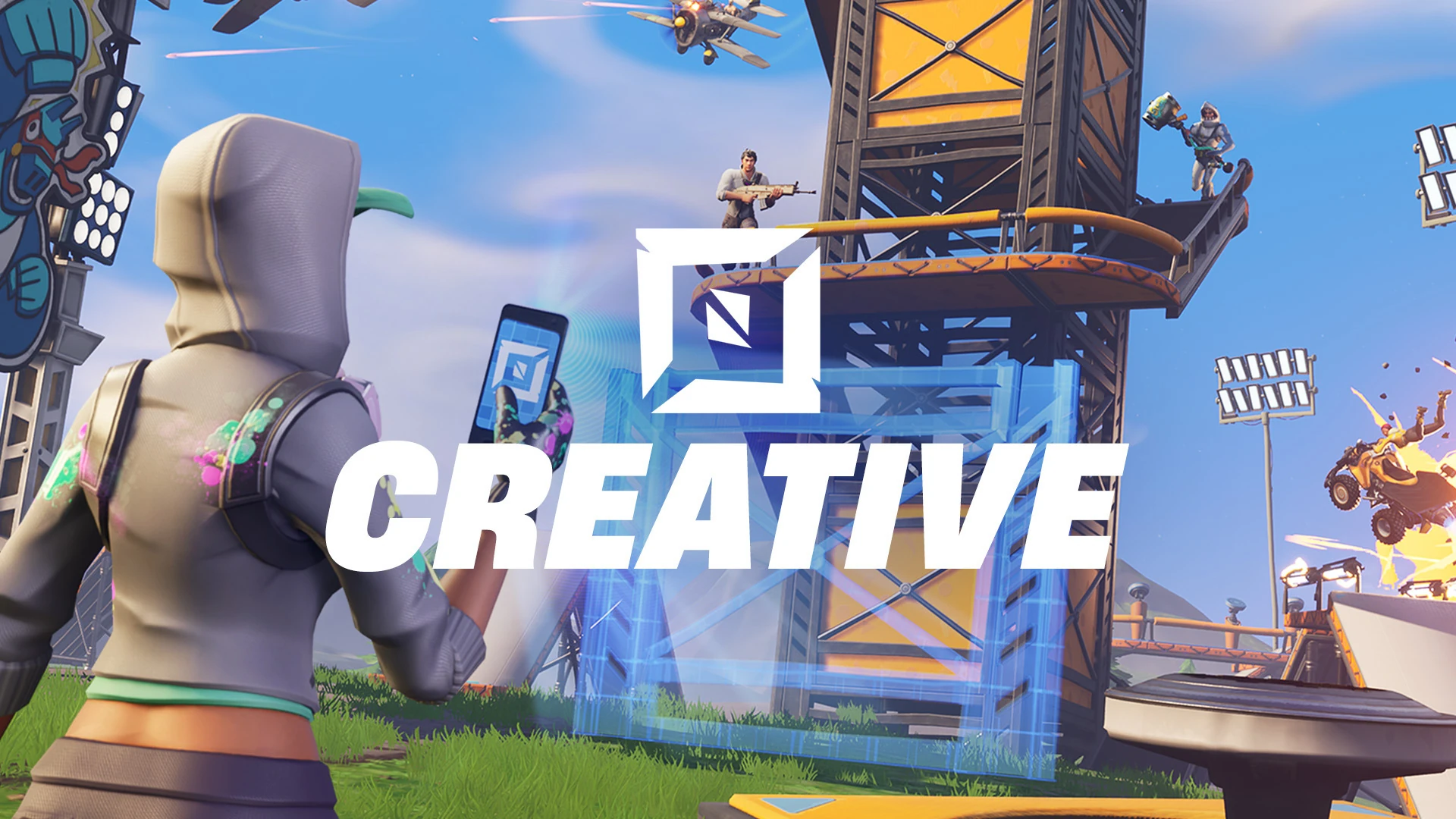
Fortnite: Creative is Game Mode in Fortnite that was released on December 6th 2018. It is a creation tool that allows players to create and publish their own experiences; anyone with Fortnite installed can access Creator-Made experiences from Discover. With each bi-weekly Fortnite update, Fortnite Creative continues to introduce new tools, items, and assets that can be used, frequently expanding creativity.
Fortnite Creative can be used separately, or in combination with UEFN (PC Only), which grants access to a wider range of tools and customisation, such as custom assets, Scene Graph for object manipulation, terrain editing, custom HUDs and user interface, mesh and material overrides, and more.
 This section is a stub. Help the Fortnite Wiki by expanding it!
Navigation
[]

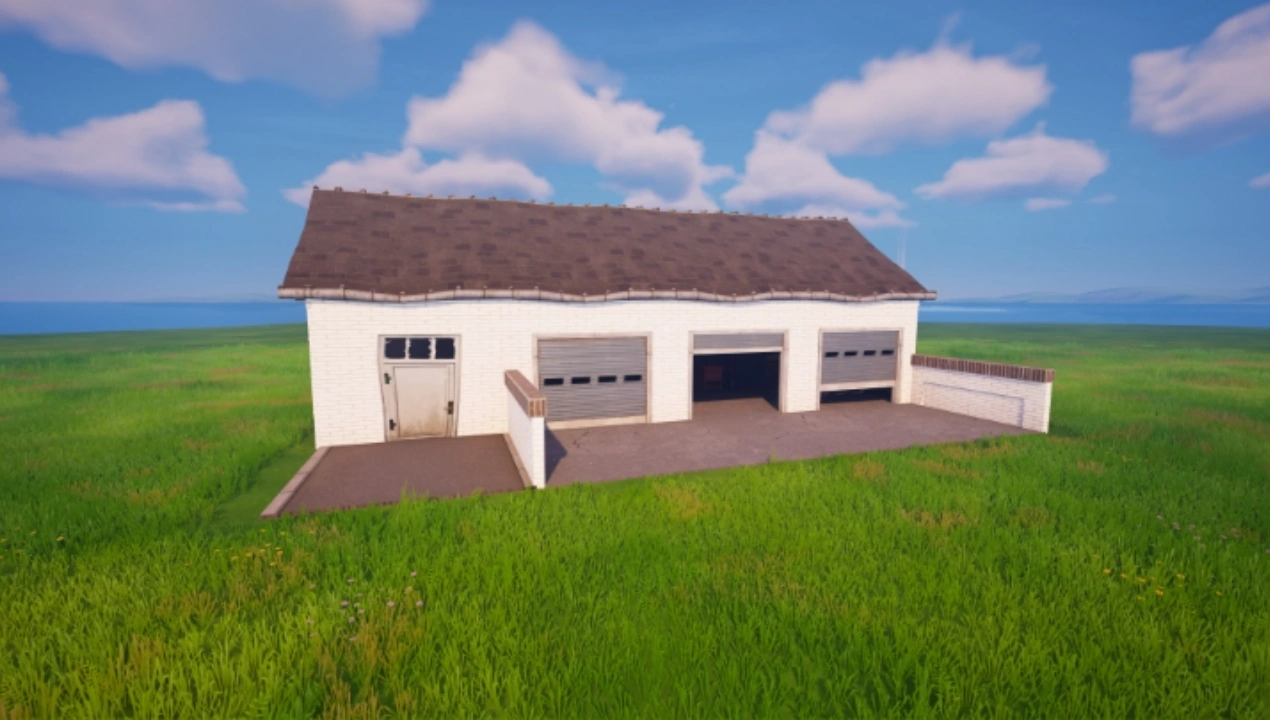

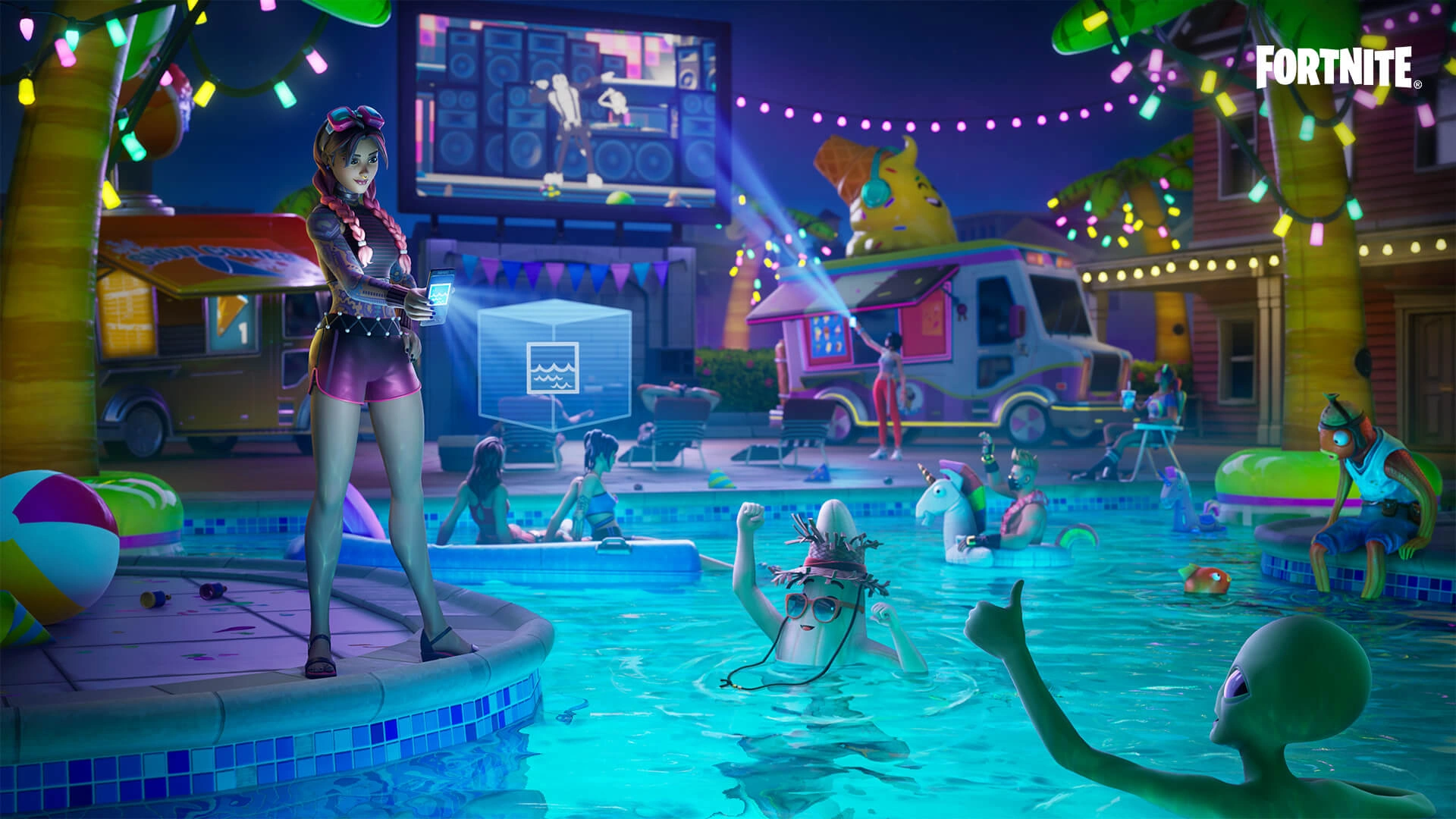
Toolset Overview
Toolset Overview[]
The Creative Hub
When entering Creative, the player will spawn inside The Hub, which contains a collection of Rifts that each belong to a different developer. The rift that belongs to each developer will appear as a golden rift, with a beacon above it, on their screen; the rifts of other players in the server will be blue. The destination of each rift will default to the most recent island that its developer was were working on, but this can be changed if the owner interacts with the panel besides the rift. From there, the developer can select an island from their list of islands, or they can create a new island using an Island Template; they can also rename and delete existing islands.
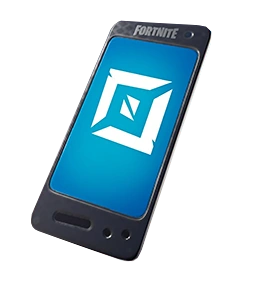
Creation Tools
Developers have access to a wide variety of tools when creating experiences. The Content Browser provides developers with access to a large library of assets, prebuilt gameplay mechanics, and items. The Phone allows developers to move, place, rotate, resize, and delete objects in their islands. Developers also have access to a special moveset, allowing them to fly and phase through objects. Debug Commands are also available to developers while they are playtesting their experiences, allowing them to manipulate gameplay aspects (such as granting themselves Gold or spawning test players) during a game.
Assets
Developers can able to build and decorate their islands using a wide variety of provided assets, including tens of thousands of assets from Battle Royale Locations. Prefabs allow developers to place pre-built structures (such as the Tilted Towers Clock Tower), whereas Galleries contain large libraries of assets, with each gallery having a certain theme (eg indoor objects).

Mechanics
Developers have access to over 200 Devices, which are pre-built gameplay mechanics that developers can add to their islands. Each device has its own function; for example, the Player Movement Device allows developers to control the movement of players, such as by adjusting their sprint speed, friction, and jump height. The majority of devices have various settings, allowing for developers to fine-tune their functionality. Additionally, many devices can be linked together using Events; for example, an Explosive Device can be set up to explode when a player presses a Button.

Island Settings
Developers can customise the rules, environment, and gameplay of their experiences using the Island Settings menu. Island Settings provides developers with a vast amount of options, such as the ability to control the time of day, matchmaking, spawn rules, and the player's abilities. Developers can also rename their experience and edit its description from this menu.

Memory Limitations
In order to ensure that experiences work seamlessly across devices, there is a limit on how many objects can be in one area at a time; this limit is known as Memory. The maximum amount of Memory that an experience is allowed to use is 100,000 units, and each loaded asset and device will use up a certain amount of those units. Devices are not spatially-loaded, so their memory will affect the entire experience. If the experience exceeds 100,000 Memory, the ability to playtest and publish it will be disabled until its memory is reduced.

Publishing Tools
Developers can publish an experience once they are finished with creating it; this can be done in the Creator Portal. Developers can also use the Creator Portal to set an experience's thumbnail, Lobby background, and tags. After its initial release, updates can also be released for an experience via the Creator Portal. Anyone can publish their experiences, provided that they join the Developer Program (which requires developers to be a legal adult, and to have launched Creative/UEFN in at least 7 of the last 30 days, to sign up).
Major Update History
Major Update History[]
Chapter 1
- Update v7.00: Introduced Fortnite Creative. Monetisation and publishing is currently limited to Support-A-Creator Codes. Creators are also limited to 4 islands, with each one being a temperate island.
- Update v8.20: Introduced Channels, allowing Devices to interact with each other.
- Update v10.10: Revamped how Islands work. Creators can now create and delete islands, choosing which type to use instead of being forced to use a set number of each specific type. The island limit has been increased to 50.
Chapter 2
- Update v11.00: Introduced Featured Hubs.
- Updated all Creative islands to be surrounded by swimmable water, instead of the instant-elimination water.
- Update v14.40: Creators now have access to the Matchmaking Portal to use in their own islands, meaning that matchmaking is now available for all experiences.
- Update v16.20: Creative now supports the Chaos Physics Engine, allowing for modern Vehicles and Physics.
- Update v17.50: Introduced Discover, allowing players to browse and matchmake into published islands.
Chapter 3
- Update v22.20: Introduced Direct Event Binding, replacing the previous Channel system. Direct Event Binding removes the send and receive limit that channels previously had.
- Update v22.30: Introduced Creative Royale, allowing creators to make their own experiences on Artemis.
Chapter 4
- Update v23.00: Introduced v2 versions of Devices, compatible with Verse. Creators were able to opt-in to using these devices for a limited time, until everyone's experiences were eventually automatically updated to use them.
- Update v24.01: Introduced UEFN and the Island Creator Program.
- Creators can now earn money directly from Fortnite Creative, based off their island's engagement. As a result of this, creators are now no longer allowed to promote their Creator Code in their islands.
- Introduced the Creator Portal, providing creators with a single place to manage their projects and related matters.
- Update v25.00: Removed Featured Hubs to simplify the creator workflow.
- Update v26.30: Creators can now give their experience a custom lobby background.
- Update v27.10: Each Experience now must have an age rating. The age rating will be displayed in Discover when selecting an island.
Chapter 5
- Update v28.10: Creative Royale was removed to allow Epic to focus more time into delivering new UEFN features instead.
- Updated the logo for Fortnite Creative.
- Update v29.01: Introduced Brand Templates, allowing creators to use Collaboration Items in their experiences.
- Update v32.10: Upgraded Creative islands to support Lumen and Nanite through an upgraded TODM.
Chapter 6
- Update v34.00: Introduced Scene Graph in Beta.
- Update v37.00: Added Debug Commands, allowing creators to access a set of commands (such as adjusting their health) while playtesting.
- Update v37.40: Introduced Physics support to UEFN, in Beta, allowing creators to assign physics to any object.
- Added the ability for Creators to change which Brand Template their island uses after it is created, allowing creators to switch between different collabs.
- Update v38.00: Introduced Verse Fields, allowing creators to use Verse in custom User Interfaces.
Chapter 7
- Update v39.10: Introduced Creator Communities, allowing creators to publish updates on their maps in-game and set up a forum for their islands.
- Update v39.20: Introduced In-Island Transactions, allowing creators to sell in-game items for V-Bucks.
- Creators are now known as "developers."
- Update v40.00: Introduced Python support to UEFN in experimental, allowing developers to make custom editor tools to automate tasks.
Development History and Trivia
Development History and Trivia[]

|
This page may contain speculation and/or fan interpretations. |
| Due to the lack of official information, some info on this page may therefore be partially incorrect. |
Fortnite Creative was planned from the beginning of Fortnite Battle Royale as part of Epic's idea to turn Fortnite into a "hub" of many different experiences. Creative was initially put together in a few months, and it was released in a very basic and limited form in December 2018 due to Epic's focus on speed over perfection.
Creative received consistent updates from December 2018 up until April 2020, when major updates and communication from Epic suddenly stopped, with the "what's new in Creative" release notes being renamed to "bug fixes in Creative." This situation caused massive outrage among the Creative community, with many feeling as if Creative's future was uncertain and as if Epic had abandoned them. While Epic never stated exactly why this happened, it was likely either due to the pandemic, which disrupted their regular workflow, or due to Epic's focus on developing UEFN (which was intended to release the following year).
Development resumed in December of 2020, with Epic focussing on converting all of their old trap-based devices into prop-based ones and implementing requested features. It was during December 2020 that Epic announced UEFN. In 2021, Epic launched Discover, their next big step into achieving the Fortnite Hub. During this time, Epic focussed on adding missing features to Creative. One highly requested feature was the inclusion of Mythic items, and while the Battle Royale team had originally prevented the Creative Team from releasing Mythic and Exotic items into Creative, the team backed down and Epic released past mythics daily into creative as "christmas presents" at the start of Chapter 3. Exotics were added at the start of Chapter 3: Season 2.
Meanwhile, UEFN, which was supposed to release in 2021, was subject to multiple delays. In December 2022, Epic tried doing a livestream in order to demo the engine, but had to cancel it as they could not get the editor to load. Tim Sweeney jokingly announced that the editor would be delayed until "January 90th." Following this, with the launch of Chapter 4: Season 2, an exploit occurred where players who loaded into Fortnite through GeForce Now loaded into UEFN instead of Fortnite, allowing them to preview the editor early; this was patched quickly. Eventually, the editor was released in March 2023 during GDC. During GDC, Epic revealed the first version of their Creator Roadmap, detailing their development plans for UEFN over the coming years.
At the beginning of Chapter 5, Epic began a "you want it? we've got it!" program, where creators could submit their most wanted missing items on social media or through Epic's forums, and Epic would add them if possible. This led to many long-time missing items, such as the Mythic Goldfish, the Icy Grappler and the Crossbow, being added.
In preparation for the State of Unreal 2024, the Creative Team was asked for preview footage of the First Person Camera, set to release at the end of 2024. However, no such device was in development, as it had been scrapped due to its difficulty to implement with Age Ratings. Over the next few weeks, the team reinstated the project, and scrambled to produce a prototype of the device, ready to be displayed in the livestream.
Gallery
Gallery[]

_-_Icon_-_Fortnite_Creative.png "Server Selection (1) - Icon - Fortnite Creative.png (351 KB)")
_-_Icon_-_Fortnite_Creative.png "Server Selection (2) - Icon - Fortnite Creative.png (393 KB)")
_-_Icon_-_Fortnite_Creative.png "Server Selection (3) - Icon - Fortnite Creative.png (220 KB)")
_-_Icon_-_Fortnite_Creative.png "Server Selection (4) - Icon - Fortnite Creative.png (390 KB)")
_-_Icon_-_Fortnite_Creative.png "Server Selection (5) - Icon - Fortnite Creative.png (375 KB)")
_-_Icon_-_Fortnite_Creative.png "Server Selection (6) - Icon - Fortnite Creative.png (404 KB)")
_-_Icon_-_Fortnite_Creative.png "Server Selection (7) - Icon - Fortnite Creative.png (393 KB)")
_-_Icon_-_Fortnite_Creative.png "Server Selection (8) - Icon - Fortnite Creative.png (473 KB)")
_-_Icon_-_Fortnite_Creative.png "Server Selection (9) - Icon - Fortnite Creative.png (363 KB)")
_-_Icon_-_Fortnite_Creative.png "Server Selection (10) - Icon - Fortnite Creative.png (247 KB)")
_-_Icon_-_Fortnite_Creative.png "Server Selection (11) - Icon - Fortnite Creative.png (369 KB)")
_-_Icon_-_Fortnite_Creative.png "Server Selection (12) - Icon - Fortnite Creative.png (223 KB)")
_-_Icon_-_Fortnite_Creative.png "Server Selection (13) - Icon - Fortnite Creative.png (205 KB)")
_-_Icon_-_Fortnite_Creative.png "Server Selection (14) - Icon - Fortnite Creative.png (355 KB)")
_-_Icon_-_Fortnite_Creative.png "Server Selection (15) - Icon - Fortnite Creative.png (295 KB)")
_-_Icon_-_Fortnite_Creative.png "Server Selection (16) - Icon - Fortnite Creative.png (324 KB)")
_-_Icon_-_Fortnite_Creative.png "Server Selection (17) - Icon - Fortnite Creative.png (384 KB)")
_-_Icon_-_Fortnite_Creative.png "Server Selection (18) - Icon - Fortnite Creative.png (279 KB)")
_-_Icon_-_Fortnite_Creative.png "Server Selection (19) - Icon - Fortnite Creative.png (282 KB)")
_-_Icon_-_Fortnite_Creative.png "Server Selection (20) - Icon - Fortnite Creative.png (368 KB)")
_-_Icon_-_Fortnite_Creative.png "Server Selection (21) - Icon - Fortnite Creative.png (319 KB)")
_-_Icon_-_Fortnite_Creative.png "Server Selection (22) - Icon - Fortnite Creative.png (304 KB)")
_-_Icon_-_Fortnite_Creative.png "Server Selection (23) - Icon - Fortnite Creative.png (425 KB)")
_-_Icon_-_Fortnite_Creative.png "Server Selection (24) - Icon - Fortnite Creative.png (377 KB)")
_-_Icon_-_Fortnite_Creative.png "Server Selection (25) - Icon - Fortnite Creative.png (284 KB)")
List of Updates[]
Below is a list of all the Ecosystem Updates and Release Notes, documenting what has changed with each update in Fortnite Creative and UEFN. Updates are released roughly bi-weekly, with major updates releasing on XX.00 builds.