
Overview
The Command tab is a menu in Fortnite: Save the World that serves as an overview of account progress, prominently displaying the current Hero Loadout. It functions as a hub, offering various options that unlock as players advance through the campaign. It provides quick access to change the Hero, view stats, and manage all Heroes and Survivors that contribute to increasing a player's Power Level. By successfully completing missions, a player's Commander Level will increase, resulting in profile stats improving and Gadgets leveling up.
Heroes
Heroes[]
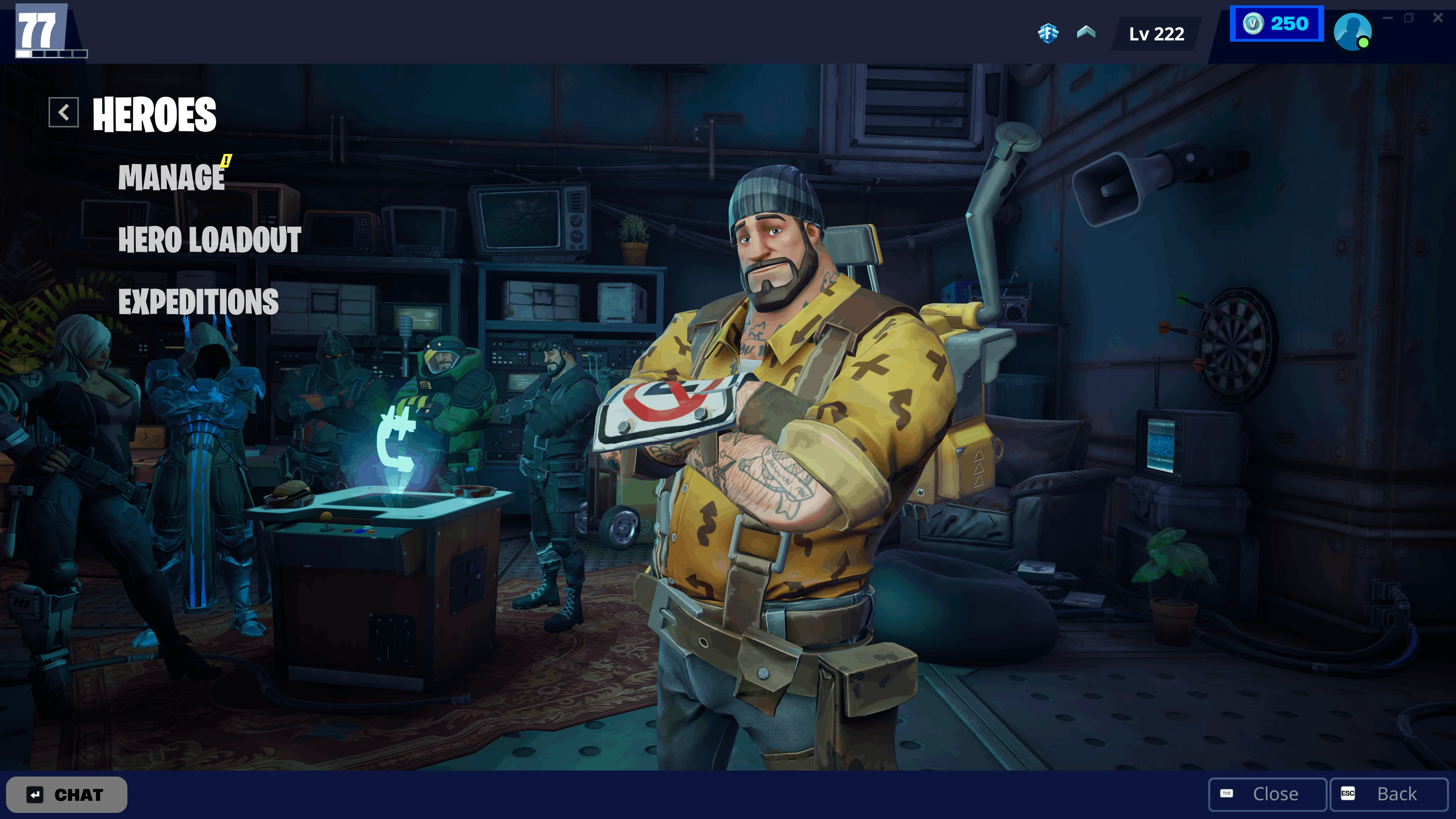

 Main Article: Heroes
 Unlocked after completing Stonewood Storm Shield Defense 1, the Heroes section is dedicated to heroes and the Commander. In this area, players can:
- Manage and upgrade their Heroes
- Customize Hero Loadouts
- Dispatch and manage Expeditions
Survivors
Survivors[]

 Main Article: Survivor
 Unlocked after completing Stonewood Storm Shield Defense 1, the Survivors section is staffed by Director Riggs, and is the place where players can:
- Manage and upgrade their Survivors
- Organize Survivor Squads to boost Power Level and F.O.R.T. stats
Gadgets
Gadgets[]

 Main Article: Gadgets
 Unlocked after completing Stonewood Storm Shield Defense 3, the Gadgets section, managed by Kevin, allows players to enhance Gadgets as their Commander Level increases
Profile
Profile[]

 Main Article: Profile
 The Profile section is where players can spend their standard and teammate XP Boosts. Their Commander Level and upcoming rewards in the track are displayed here as well. It should be noted that since Update v39.00 Commander Levels now upgrade F.O.R.T. stats instead of Research Points.
Collection Book
Collection Book[]
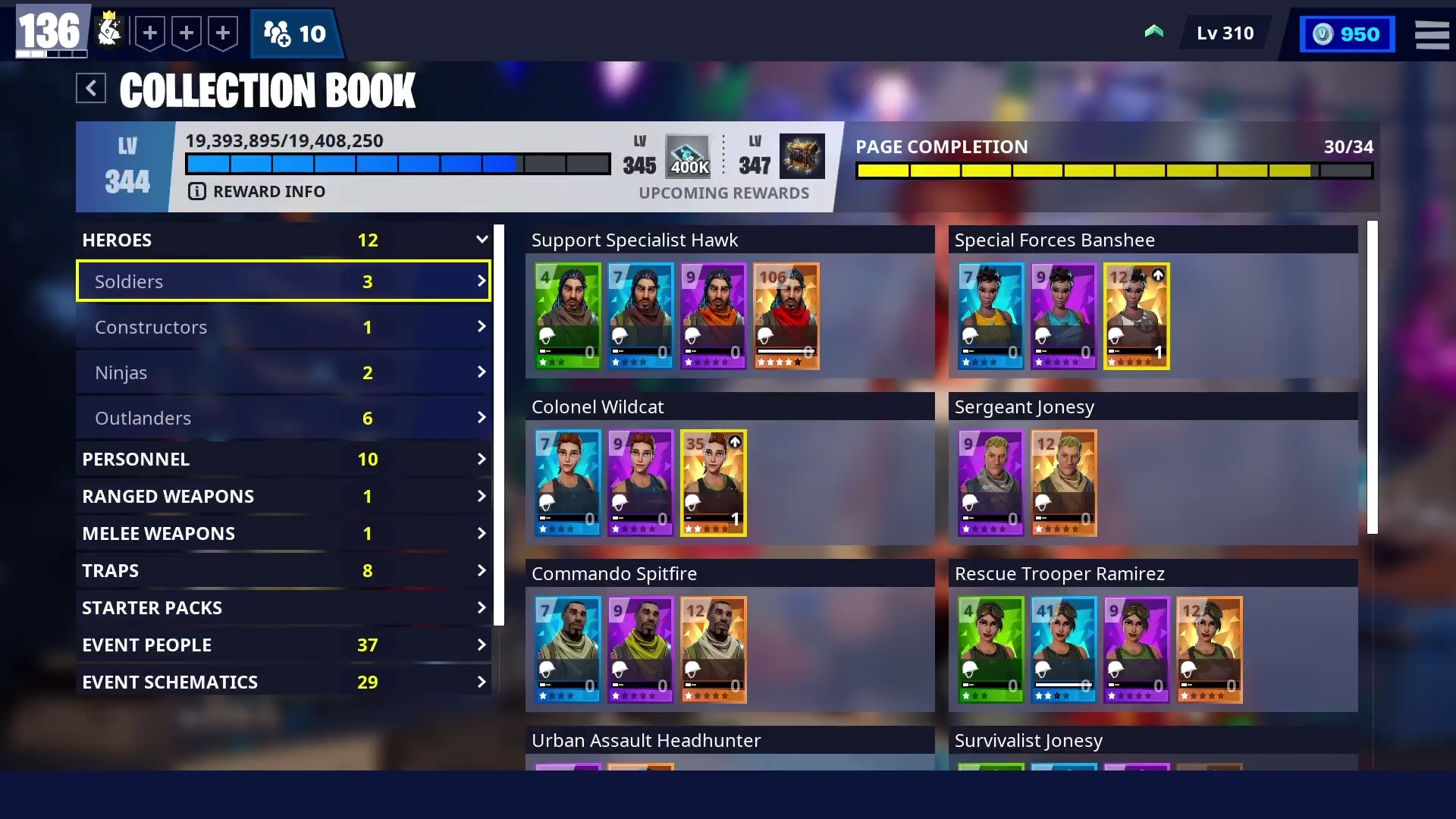
 Main Article: Collection Book
 The Collection Book is a feature that details all Heroes, Defenders, Survivors, and Schematics, except for a select few.
Defenders
Defenders[]

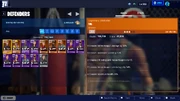 Main Article: Defenders
 The Defenders section, administered by Major Oswald, is where players can manage their Defenders.
Trivia
Trivia[]
- Since 2018, Christmas decorations are put up in the Frontend menus around winter time. This was not the case in 2020[1].
- The Christmas decorations added towards the end of 2019 stayed up until Chapter 2: Season 2 in March 2020.
- In Update v25.20, all of Homebase members disappeared from the Frontend menus, except for Kevin in the Upgrades tab. [2]
- This was fixed a few days later.
_-_User_Interface_-_Save_the_World.png "Command (Winterfest) - User Interface - Save the World.png (1.58 MB)")
_-_User_Interface_-_Save_the_World.png "Profile (Winterfest) - User Interface - Save the World.png (1.09 MB)")
_-_User_Interface_-_Save_the_World.png "Research (Winterfest) - User Interface - Save the World.png (1.88 MB)")
_-_User_Interface_-_Save_the_World.png "Upgrades (Winterfest) - User Interface - Save the World.png (2.05 MB)")
_-_User_Interface_-_Save_the_World.png "Survivors (Winterfest) - User Interface - Save the World.png (1.91 MB)")
_-_User_Interface_-_Save_the_World.png "Heroes (Winterfest) - User Interface - Save the World.png (1.76 MB)")
_-_User_Interface_-_Save_the_World.png "Hero Loadout (Winterfest) - User Interface - Save the World.png (1.6 MB)")


